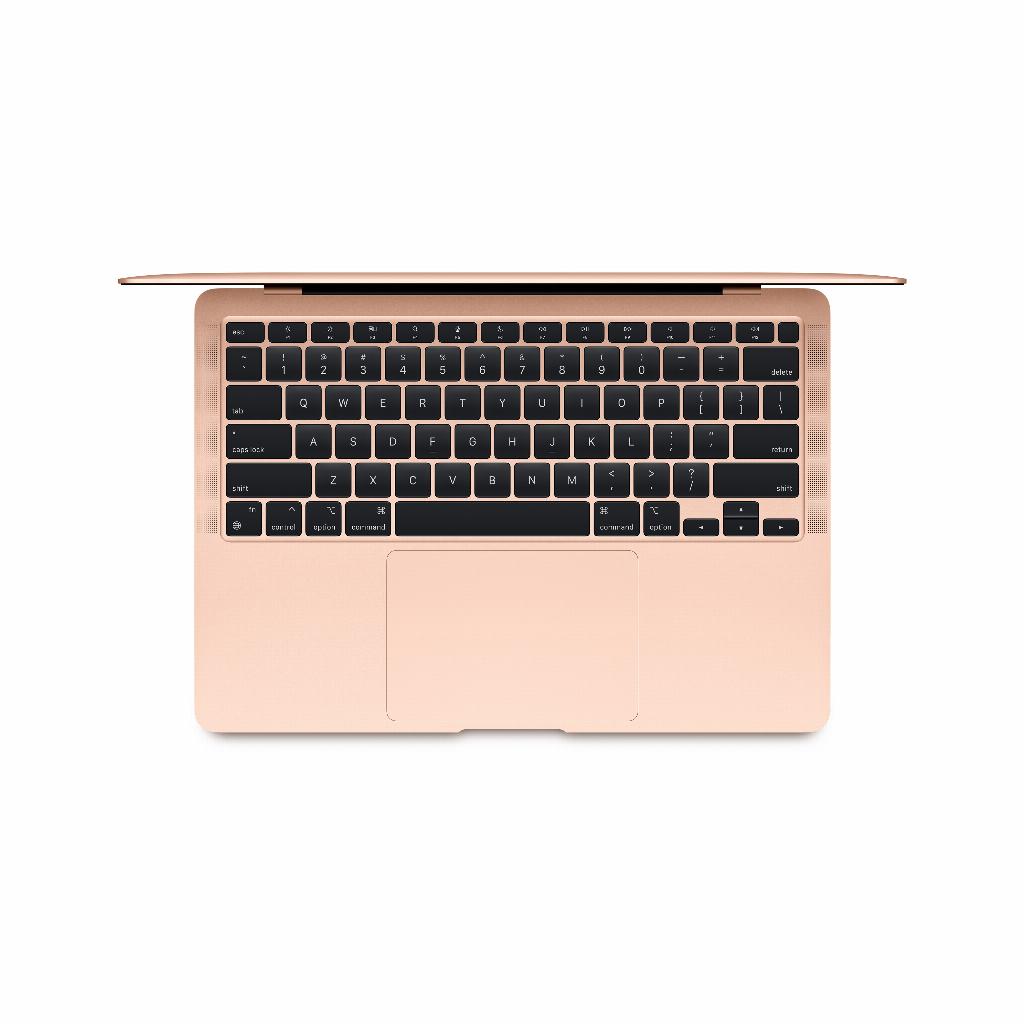

Water Damage to Your MacBook: Why Doing Nothing Is the Best First Step
Water damage to your MacBook. Panic. Your important files, your work, everything is on it. The first reflex is often to turn the device on immediately. Or rush to the store for new accessories to minimize the damage. But this is where most people make their biggest mistake . Because by acting immediately, you often cause irreparable damage to your motherboard.
It sounds counterintuitive, but the best first step in dealing with water damage is to do absolutely nothing . No hairdryer, no rice, no panic. There's a much more effective method that can save your MacBook. A method that even works if you're considering buying a refurbished model. With the right approach, you'll often be up and running again within 48 hours, without expensive repairs or data loss.
Useful links
- Refurbished MacBooks as an alternative
- Protective accessories for your MacBook
- Complete MacBook collection
The first crucial 10 minutes after water damage
The difference between a working MacBook and an expensive paperweight often lies in the first few minutes after the incident. Immediately unplugging the device and turning it off prevents a short circuit on the motherboard. This sounds obvious, but many users forget this step in their panic.
Turn your MacBook upside down in a tent. This prevents liquid from seeping deeper into the components. Use a paper towel to blot up any visible moisture, but avoid rubbing. This can spread moisture further between the keys and ports.
The temptation is strong to immediately check if everything still works. Resist this impulse. Any electronic signal passing through damp circuits can cause permanent damage. Patience is your best ally now.
Why Rice Isn't a Miracle Cure
The rice myth persists, but for electronics, this method is counterproductive. Rice grains do absorb moisture, but much more slowly than specialized desiccants. Moreover, rice leaves behind dust particles that stick to internal components.
Professional repairers use silica gel or calcium chloride. These substances absorb up to 40% of their own weight in moisture from the air. For home use, you can find silica gel in cat litter or as a dehumidifier at hardware stores. A sealed container with 500 grams of silica gel will dry your MacBook more effectively than any amount of rice.
The correct drying technique
Place your MacBook in an airtight container with desiccant. Place the device on a rack so air can circulate on all sides. After 48 hours, remove the device for inspection. This period gives moisture time to fully evaporate, even from hard-to-reach places.
Identify internal damage without opening the device
Certain signs indicate internal damage without needing a screwdriver. Condensation under the screen indicates moisture inside the display. This usually disappears during the drying process, but it can permanently damage pixels.
Keys that feel stuck indicate sugar residue from soda or coffee. These sticky substances require professional cleaning because they can corrode circuits. Tap water, after evaporating, leaves behind conductive minerals.
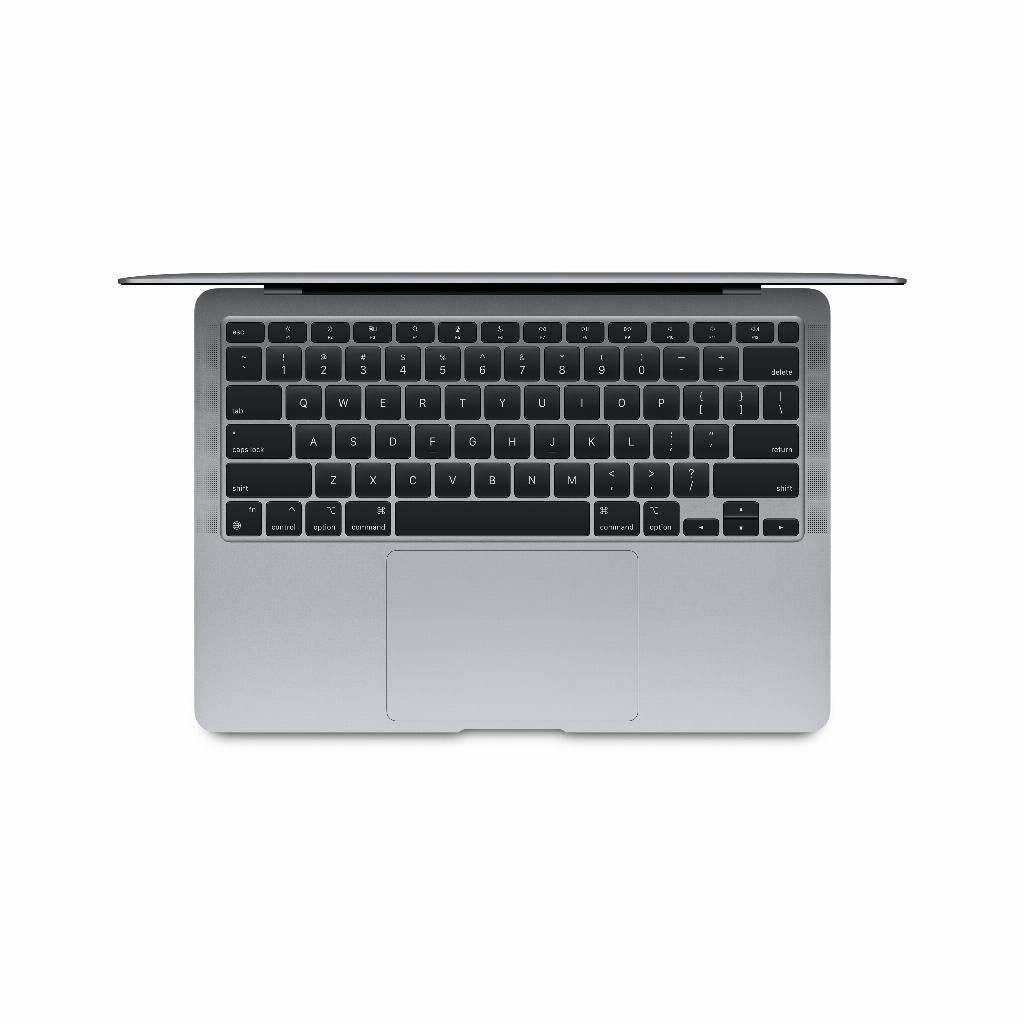
The trackpad is often the first to act strangely when water damage occurs. Ghosting or complete failure is caused by moisture in the sensors. This problem often resolves itself after thorough drying, but persistent problems require replacement of the trackpad module.
When professional help is unavoidable
Some situations require immediate professional intervention. Saltwater from the sea causes irreversible corrosion within hours. Wine and other acidic liquids corrode printed circuit boards. In these cases, every minute counts.
A MacBook that won't boot after 72 hours of drying likely has damage to the motherboard or power supply. Repair costs can then reach up to €600. At that point, a refurbished alternative becomes more financially attractive, especially since these models come with a warranty.
Cost-benefit analysis of repair
A new logic board costs between €400 and €1200, depending on your model. A keyboard replacement costs €300 to €500. Add labor costs to that, and the bill quickly mounts. Repairing a three-year-old MacBook Pro for €800, while a comparable refurbished model costs €900, is economically questionable.
Prevention: investing in protection
A waterproof keyboard cover costs €15 and prevents most liquid damage. This thin silicone layer barely affects typing comfort but offers crucial protection. For professionals who often work on the go, a hardshell case with an integrated seal is a sensible €50 investment.
Place your MacBook on a laptop stand. This elevated position reduces the risk of spills by 70%. It also improves your posture and cools the device. A simple aluminum stand costs €25 and will last for years.
Data recovery as a priority
In the event of water damage, data preservation is paramount. Target Disk Mode lets you use a damaged MacBook as an external drive on a working Mac. Boot up by holding Command+T and connecting via Thunderbolt. This method even works if the display is no longer functional.
Time Machine backups are your insurance against data loss. A 1TB external SSD costs €80 and automates the backup process. After water damage, you can restore your entire work environment to a replacement device within two hours.
Cloud syncing via iCloud or Dropbox offers added security. Documents, photos, and settings remain safe, regardless of what happens to your hardware. The monthly cost of €3 to €10 doesn't outweigh the convenience in case of emergencies.
The reality of water damage
Water damage to electronics isn't a death sentence, but it does require the right approach. Speed of action, patience during the drying process, and realistic expectations are key to success. With this knowledge, you can minimize damage and costs, or make a well-considered decision about replacement when repair is no longer cost-effective.
Conclusion: Water damage does not have to be a disaster
Water damage to your MacBook doesn't have to be a disaster, provided you follow the right steps. Immediately disconnect the power, patiently dry it with silica gel, and test it after 48 hours —that's the difference between a working laptop and an expensive repair. If repair proves too expensive, a refurbished MacBook is often the smarter choice.
But the best advice remains prevention : a simple keyboard cover and regular backups will save you a lot of trouble. Because ultimately, it's not about your hardware, but about your data and productivity.