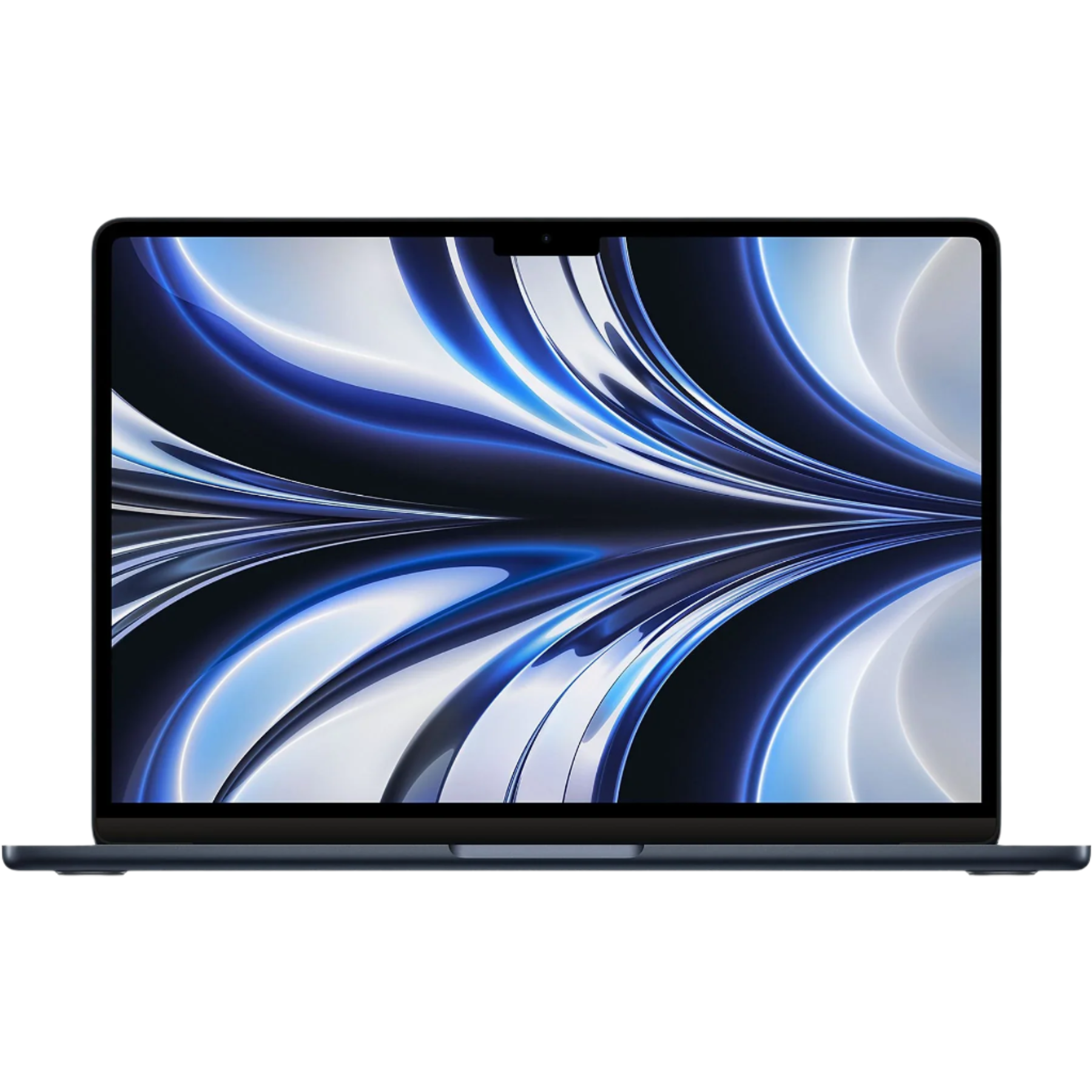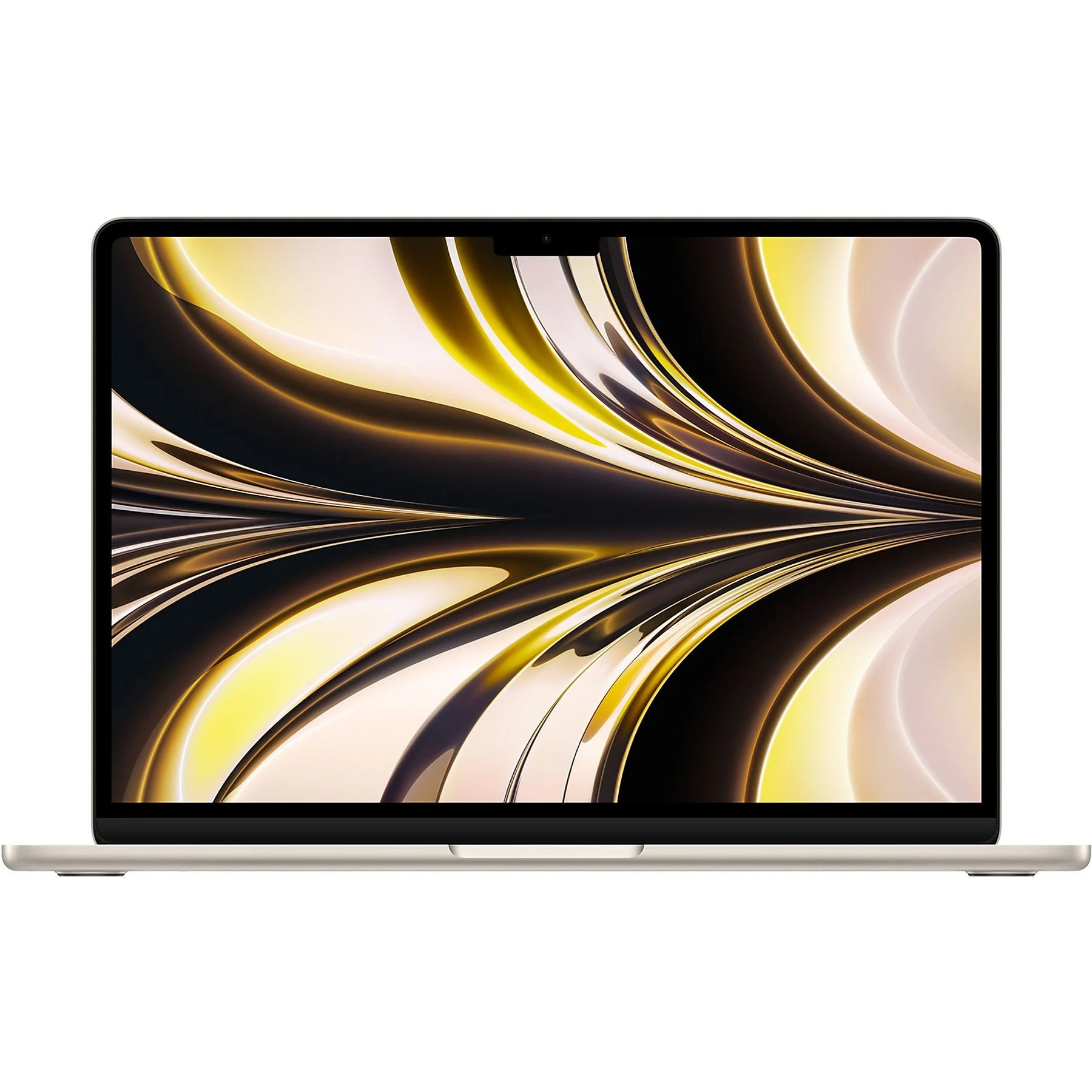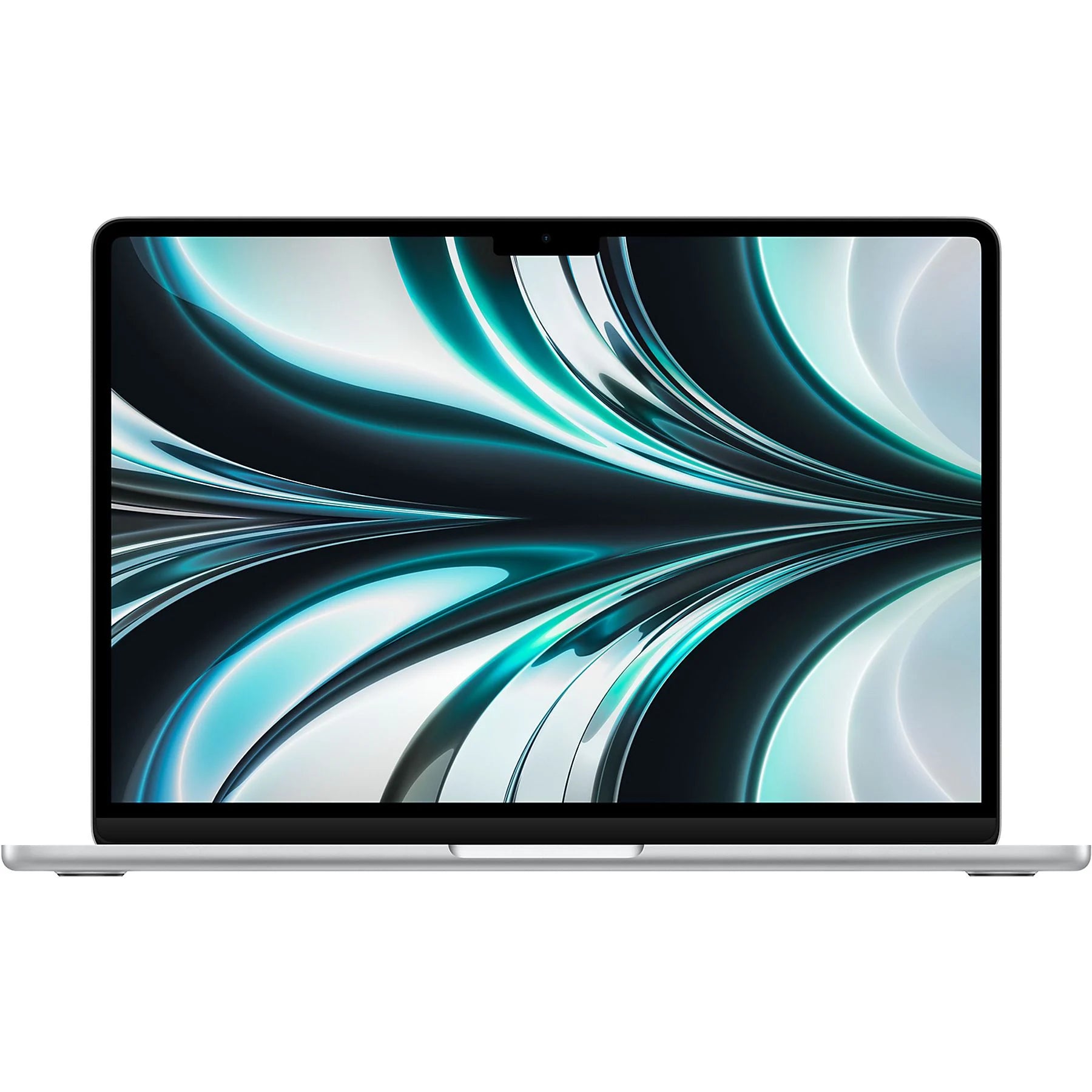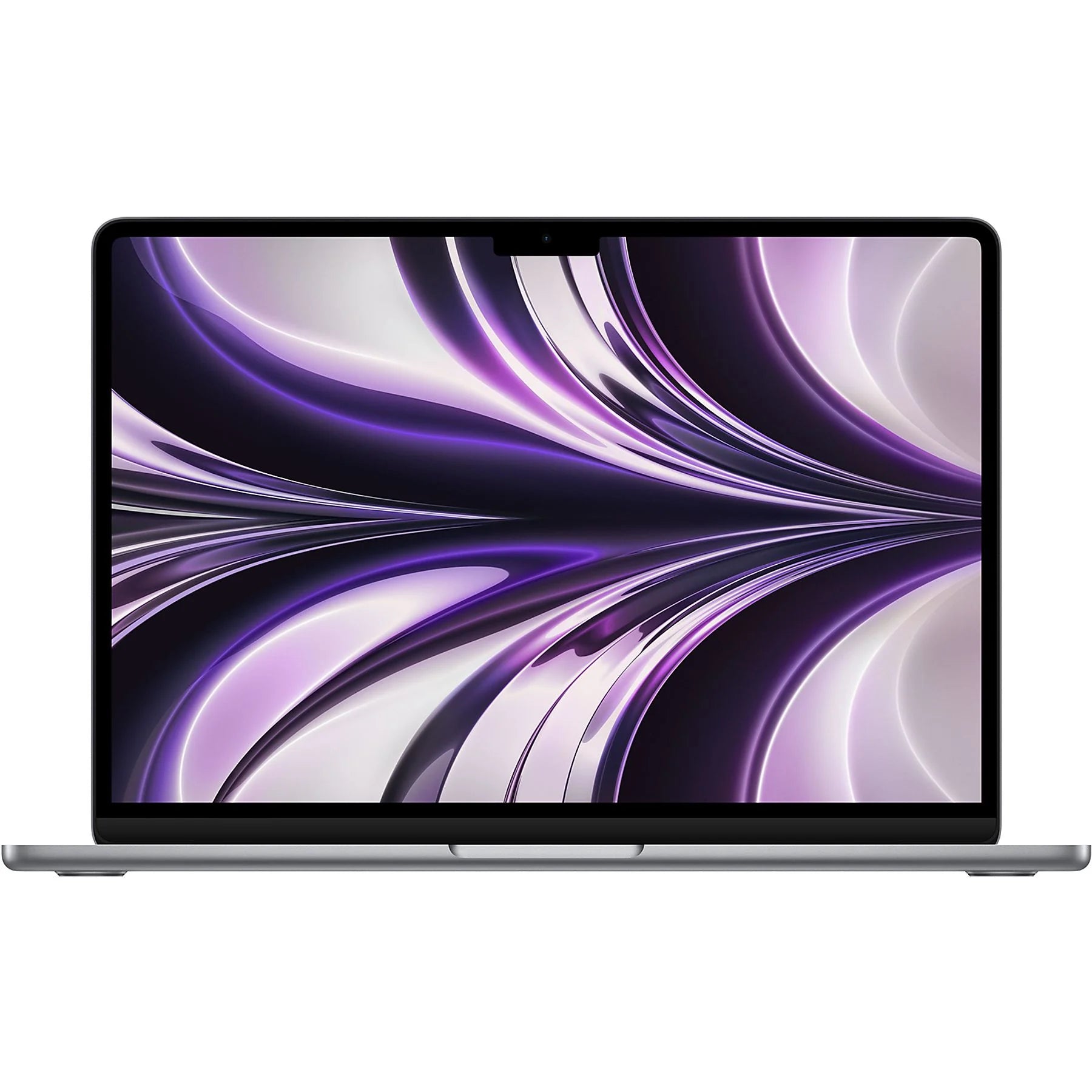

The MacBook Air choice: newer isn't always better
You're facing a choice. A new MacBook Air. M1 or M2? 13 or 15 inch? The range of MacBook Air models is overwhelming. You scroll through specs, compare prices, read reviews. But here's what no one tells you: the newest isn't always the best choice. In fact, for 80% of users, an older model is often smarter.
Not because it's cheaper – though that too – but because the differences between generations are smaller than Apple would have you believe. That M1 from 2020? It will run effortlessly for years to come. Those extra cores in the M2? You'll only notice them during heavy video editing. At Leapp, we see it daily: customers who are more satisfied with a refurbished MacBook that perfectly suits their use, than with the most expensive model that they only half utilize.
Useful links
M1 versus M2: the practical differences
The choice between a MacBook Air with an M1 or M2 chip mainly depends on what you do with it. For daily use – think browsing, emailing, word processing, and Netflix – the difference is barely noticeable. The M1 from 2020 opens programs just as quickly as its successor. Your Safari tabs load quickly, Word starts instantly, and your Zoom meetings run smoothly.
The real difference only appears with heavier tasks. The M2 has about 20% more processing power, but you'll only notice this with intensive editing. Exporting a 4K video in Final Cut Pro? It will save a few minutes. Editing a RAW photo in Lightroom? The M2 applies filters just a bit faster. For the average user, however, these are not daily scenarios.
What is immediately noticeable: the M2 models have a newer design with thinner screen bezels and a MagSafe connection. The latter means an extra USB-C port is free for accessories. Handy, but not a deal-breaker for most people.
13 inch or 15 inch: more than just size
The difference between the 13 and 15 inch goes beyond screen size. The 15 inch has standard better speakers with six drivers instead of four. The sound is fuller, with more bass. For those who watch a lot of videos or listen to music without headphones, this is a noticeable plus.
Battery life hardly differs despite the larger screen. Apple specifies approximately 18 hours for both models. In practice, with normal use, you can easily get a full workday, regardless of the size. The weight difference – 1.24 kg versus 1.51 kg – you will feel in your backpack. For daily commuting by bike or public transport, that difference matters.
The workspace of the 15 inch is, of course, larger. Placing two documents side by side works more pleasantly. For spreadsheets or programming, you have more overview. But on your lap on the train or on a small bistro table, the 13 inch is more practical.
Memory and storage: what do you really need?
Apple's base models come with 8 GB of RAM. For many users, this is sufficient. Ten Chrome tabs open, Spotify in the background, and editing a Word document? No problem. The system smartly manages memory and quickly switches between tasks.
Upgrading to 16 GB is useful for specific scenarios. Do you work with large Excel files? Do you edit photos in Photoshop? Do you run multiple virtual machines for development work? Then the investment pays off. For Netflix, social media, and standard office work, it's unnecessary.
A similar consideration applies to storage. The standard 256 GB is sufficient for those who mainly work in the cloud. With iCloud, Google Drive, or OneDrive, you don't have to save everything locally. Photographers, videographers, or people with large music collections need more. An external SSD is often cheaper than Apple's internal upgrade.
Considering refurbished: smarter than you think
A refurbished MacBook Air often offers the best price-quality ratio. These devices are professionally checked, cleaned, and repaired where necessary. The battery is tested and only approved if it has sufficient capacity. Scratches or dents? You won't see them on A-grade models.
The price difference is significant. A refurbished M1 MacBook Air from 2020 often costs half the price of a new M2. For that difference, you don't get double the performance. The M1 will receive software updates from Apple for years to come. MacOS Sonoma runs smoothly on it, as do all current apps.
Sustainability also plays a role. Reusing an existing laptop saves resources and energy. The production of a new MacBook costs approximately 400 kg of CO2. By choosing refurbished, you avoid these emissions.
When to choose which model?
Choose the M1 13 inch if you:
- Mainly browse, email, and edit documents
- Are looking for a compact, light model for on the go
- Want the best for your budget
- Don't do heavy photo or video editing
Choose the M2 15 inch if you:
- Work a lot with spreadsheets or programming
- Value better sound
- Regularly give presentations
- Want the newest design
Always consider refurbished if you:
- Are looking for maximum value for your money
- Value sustainability
- Don't need the very latest features
- Prefer to invest in more memory or storage
The reality: what users experience
In practice, users of older models are often just as satisfied as buyers of the newest model. A student with a refurbished M1 notices no difference from fellow students who have an M2. Lectures are attended, papers are written, and Netflix is watched without a hitch.
Professional users with specific requirements do notice a difference. A graphic designer who works with large files daily benefits from the extra power of the M2. A programmer appreciates the larger screen of the 15 inch for code overview. But these are exceptions, not the rule.
The most important insight: most people don't fully utilize their MacBook. They pay for features they never use. By critically examining your own usage, you make a better choice. A model that perfectly suits you gives more satisfaction than the most expensive one that you only half utilize.
Choose the MacBook that suits you
The perfect MacBook Air doesn't exist – but the perfect match for your situation does. Whether you choose a refurbished M1 that can handle everything you need, or opt for that larger 15-inch screen: base your choice on what you actually do, not on what you might someday do.
At Leapp, you'll find all models professionally checked and with a warranty. This way, you get exactly the MacBook that suits you, without paying for air.