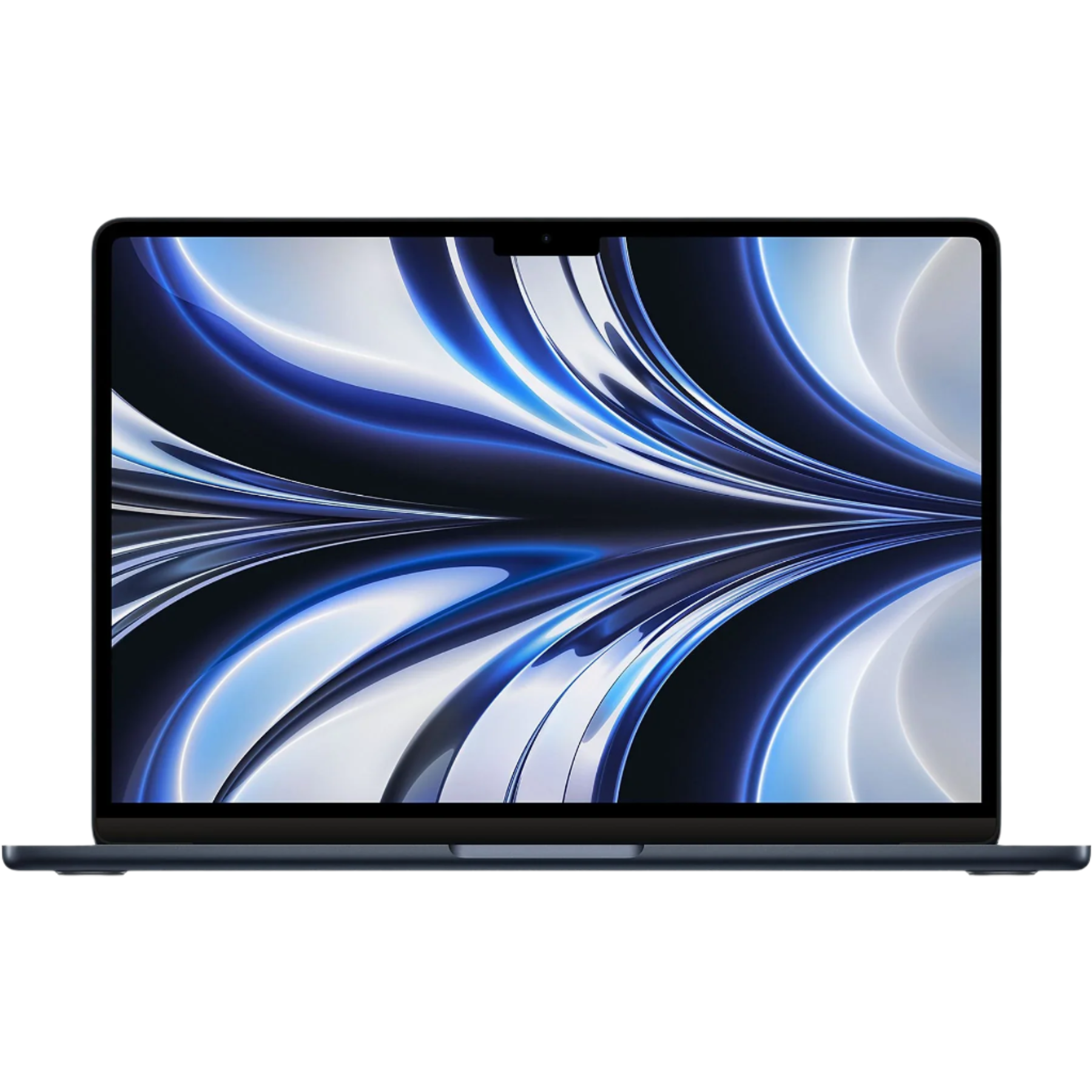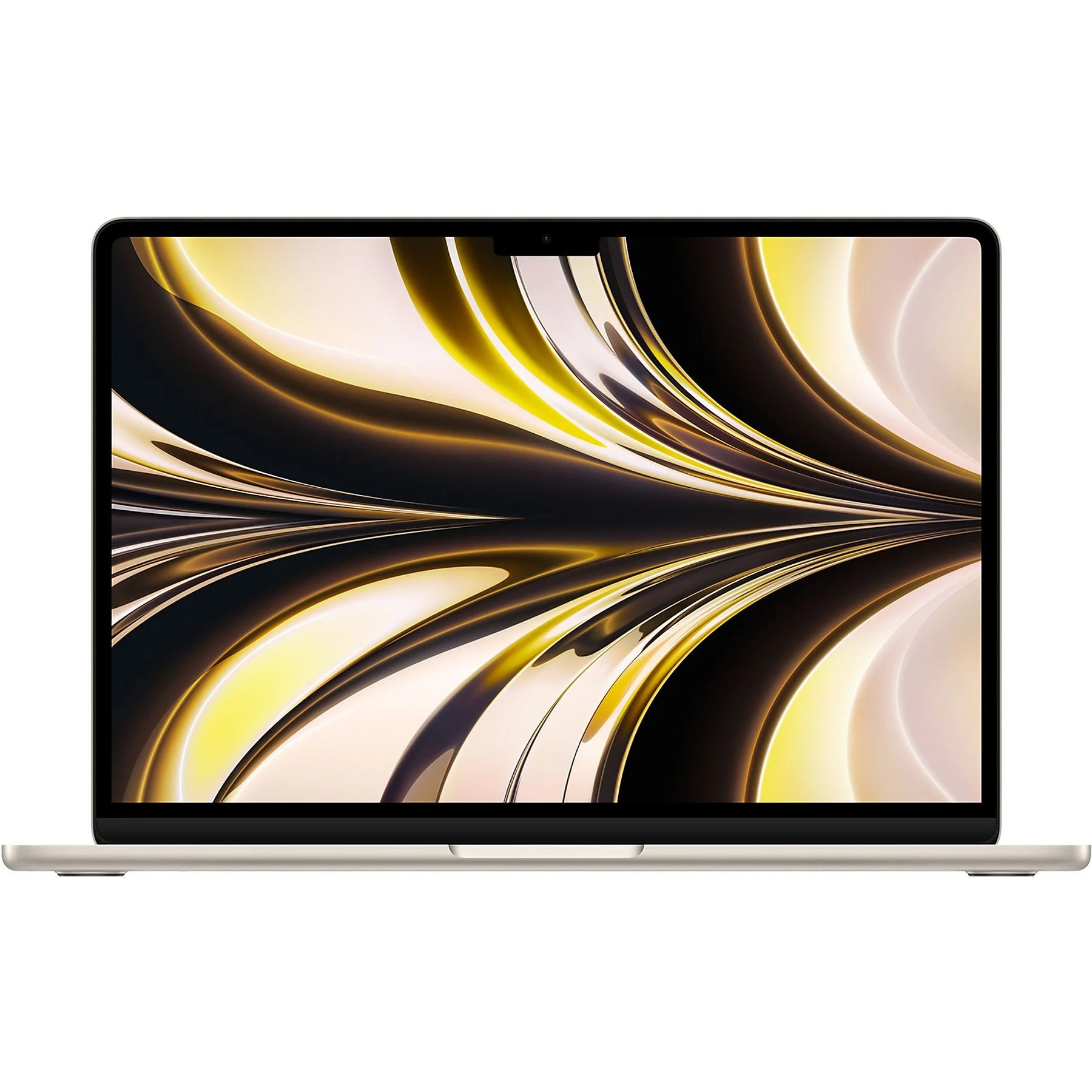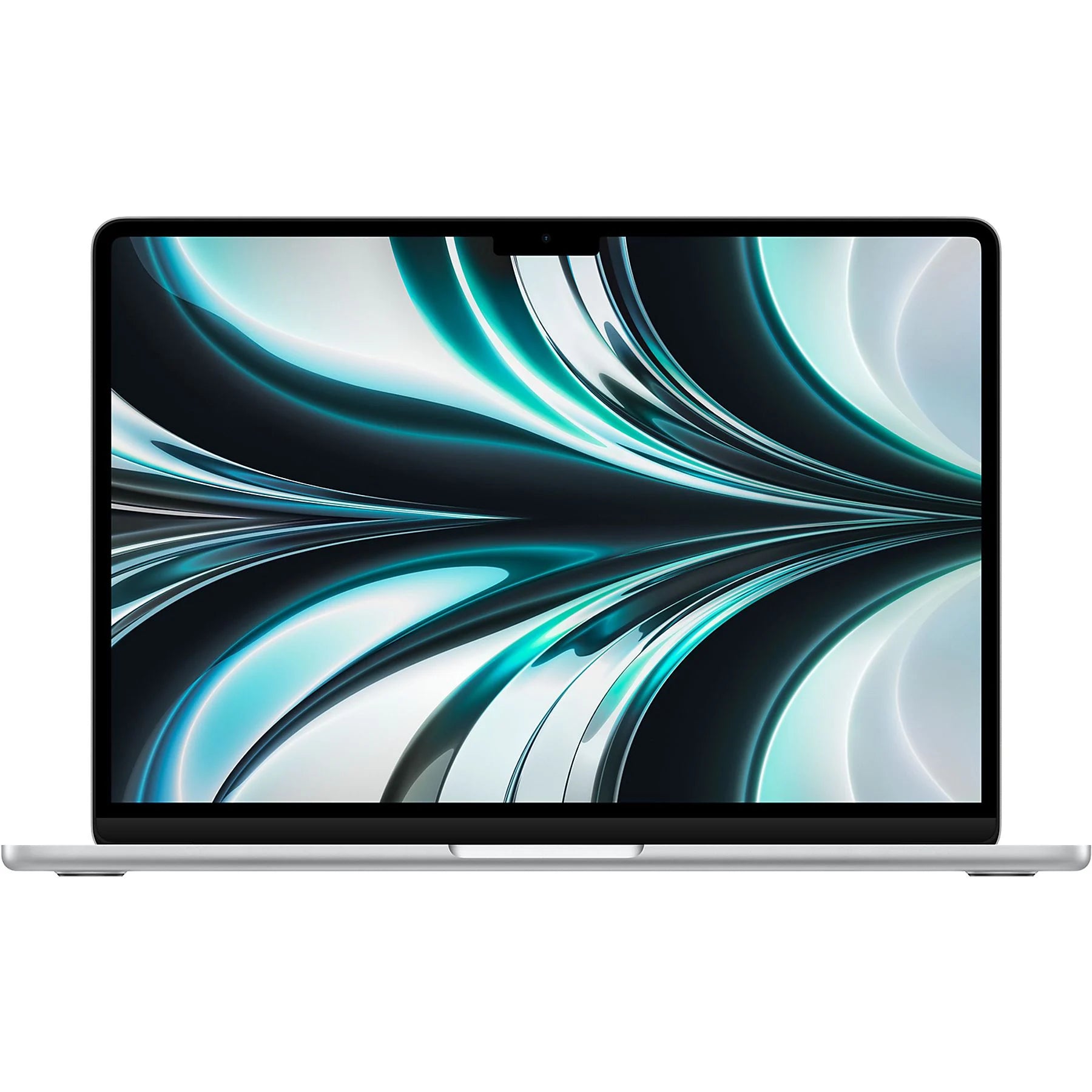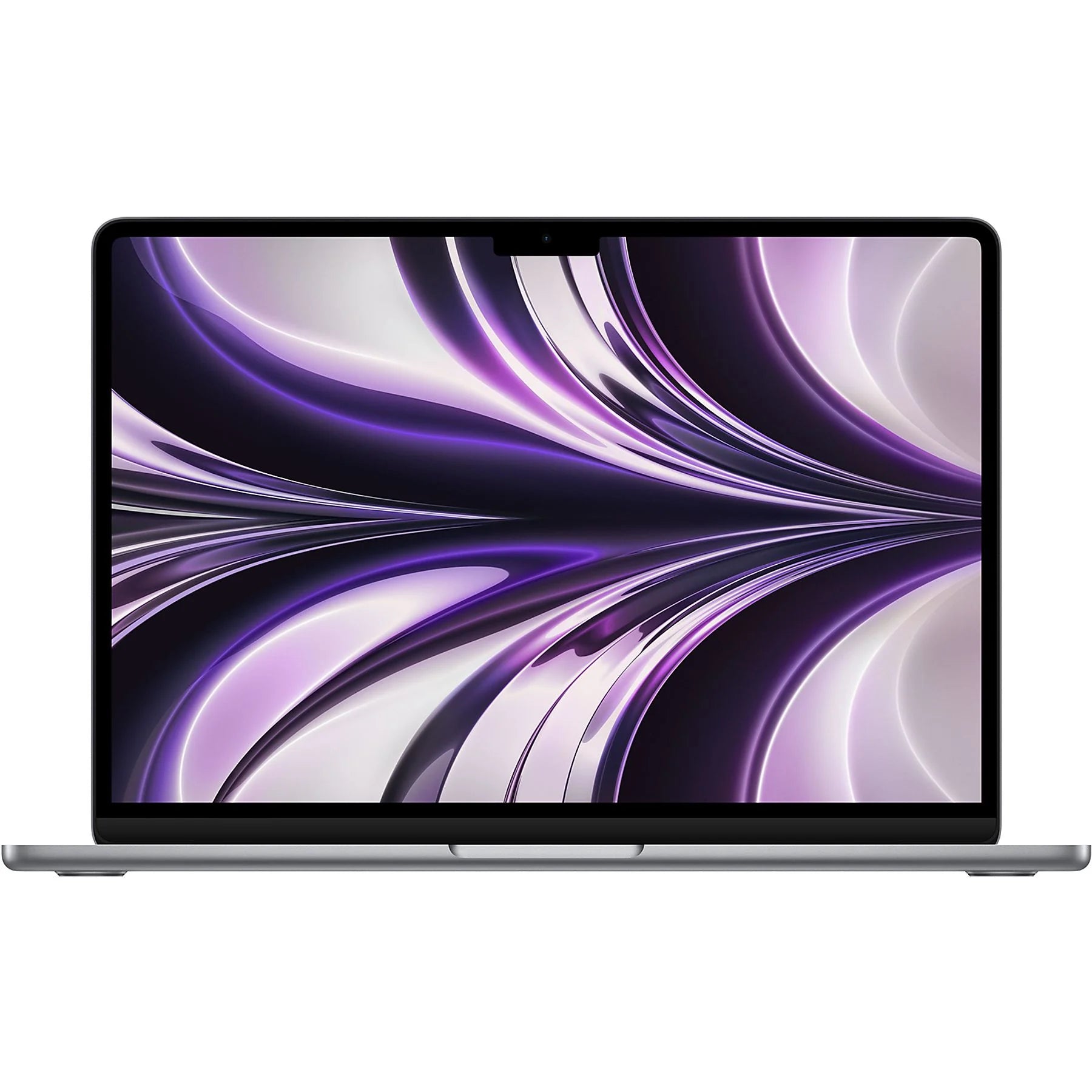

From 200 to 1600 nits: the evolution of MacBook displays
In fifteen years, Apple increased the screen brightness of its MacBooks eightfold. Sounds like progress, right? The first MacBooks from 2006 were barely usable in daylight, with their 200 nits . The latest 16-inch MacBook Pro blasts out 1600 nits for HDR content. But here's the twist: the biggest leap didn't happen until 2021. For years, Apple was stuck around 300 nits. Even the first Retina models didn't get any further.
Why did it take so long? And more importantly: why does a 2021 14-inch MacBook Pro with 1000 nits often offer a better balance of brightness and battery life than its bigger brother? The evolution of MacBook displays tells a surprising story about engineering choices , compromises, and why Apple sometimes deliberately lagged behind.
Useful links
- MacBook accessories for optimal screen use
- Refurbished MacBook Pro collection with different brightness levels
- MacBook Air models for everyday use
The meaning of nits for everyday use
A 200-nit screen feels fine indoors, but as soon as you step outside, you can barely see anything. At 400 nits, you can work reasonably well on a sunny day in the shade. Working in direct sunlight only becomes possible from 500 nits onward, though not ideal. The modern standard of 1000 nits makes the difference between "just visible" and "comfortable working" in any environment.
The first-generation MacBooks from 2006, with their meager 200 nits, only had sufficient brightness indoors. This explains why many people complained about readability at the time. Apple understood this problem, but the technology to increase brightness simply wasn't yet affordable for consumer laptops.
The long wait for progress
Surprisingly little changed between 2008 and 2015. Most models remained stuck around 300 nits. Even the introduction of the Retina display in 2012 brought no improvement in brightness. This seems odd, but it had everything to do with battery life. A brighter screen consumes more power. Apple deliberately chose longer battery life over extreme brightness.
The technical challenge lay in the LED backlighting. More LEDs meant more heat and higher energy consumption. The solution only came with more efficient LED technology and better heat dissipation in unibody designs.
The breakthrough with Touch Bar models
In 2016, Apple finally made the jump to 500 nits with the Touch Bar generation. This was no coincidence. The competition, especially Dell and Microsoft, began advertising brighter screens. Apple was forced to follow suit. The 2015 12-inch model was essentially a test case with 350 nits, to see if the market would accept the shorter battery life.
Interesting detail: the 2019 16-inch version retained the same 500 nits as the smaller models. Apple didn't sacrifice brightness for screen size, meaning the larger laptop consumed more power for the same brightness.
Mini-LED revolution from 2021
The real game-changer came with the M1 Pro and M1 Max models. Mini-LED technology made it possible to make specific areas of the screen much brighter without running the entire display at full power. The result: 1000 nits for the 14-inch and a whopping 1600 nits for the 16-inch version.
But note: these peak values only apply to HDR content. During normal use, these displays operate at around 500 nits of sustained brightness. The difference is that they can temporarily become much brighter for specific content, such as watching HDR videos or photos.
Practical differences between models
A MacBook Air with 400 nits is more than sufficient for 90% of users. You probably work mainly indoors or in the shade. The jump to 500 nits in the Pro models is most noticeable when presenting in bright rooms or working near windows.
The 1000+ nits of the latest Pros are actually overkill for office work. This brightness only comes into its own when:
- Professional photo and video editing
- Working in extremely bright environments
- HDR content consumption
- Presentations in large, well-lit spaces
Buying refurbished: what brightness do you need?
When choosing a refurbished model, screen brightness is an important consideration. A 2016 model with 500 nits offers a better experience for most users than an older Retina model with 300 nits. The price difference is often minimal, but the difference in usability is significant.
For students and home workers, 400 nits is more than enough. Do you work a lot on the go or give presentations? Then investing in at least 500 nits is worthwhile. Only creative professionals working with HDR content will really need models with 1000+ nits.
Future perspective
The evolution from 200 to 1600 nits in fifteen years sounds impressive, but the biggest gain isn't in the absolute numbers. The real progress is the efficiency with which modern MacBooks deliver their brightness. A 2021 model at 500 nits consumes less energy than a 2012 model at 300 nits.
OLED technology is just around the corner for MacBooks. These screens can theoretically be even brighter, but more importantly, they're much more energy-efficient because black pixels are completely disabled. So don't necessarily expect higher nit counts, but you will get better contrast ratios and longer battery life at the same brightness.
Priorities determine the technical choices
The jump from 200 to 1600 nits tells a story about priorities. For years, Apple consciously chose battery life over brightness , until the competition forced them to reconsider. For those looking for a refurbished MacBook Pro now, 400-500 nits is sufficient for almost all situations. The extreme brightness of newer models is impressive, but primarily relevant for specific professional work.
The real gains are in efficiency —modern MacBooks deliver more brightness while using less energy. That's the progress that really matters.