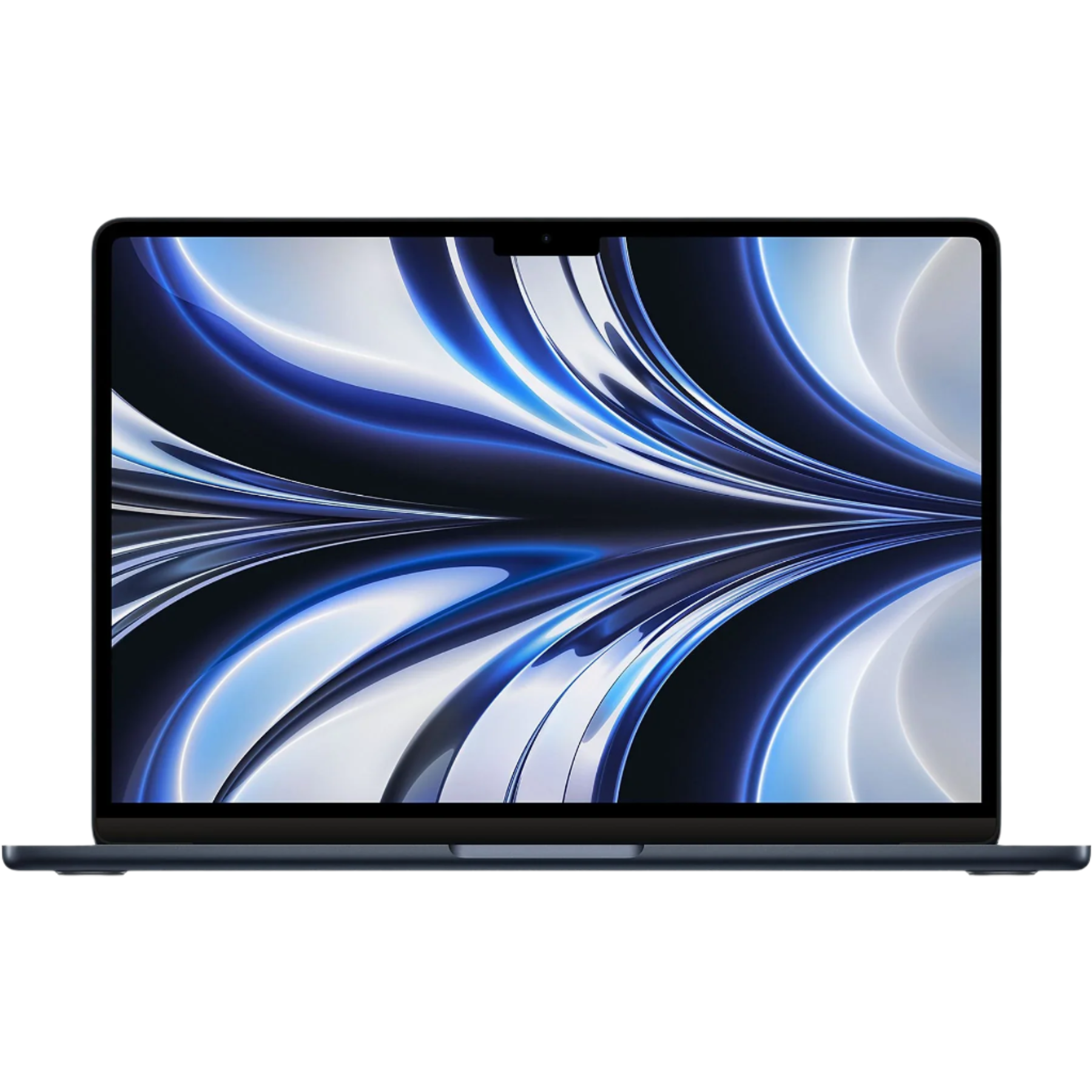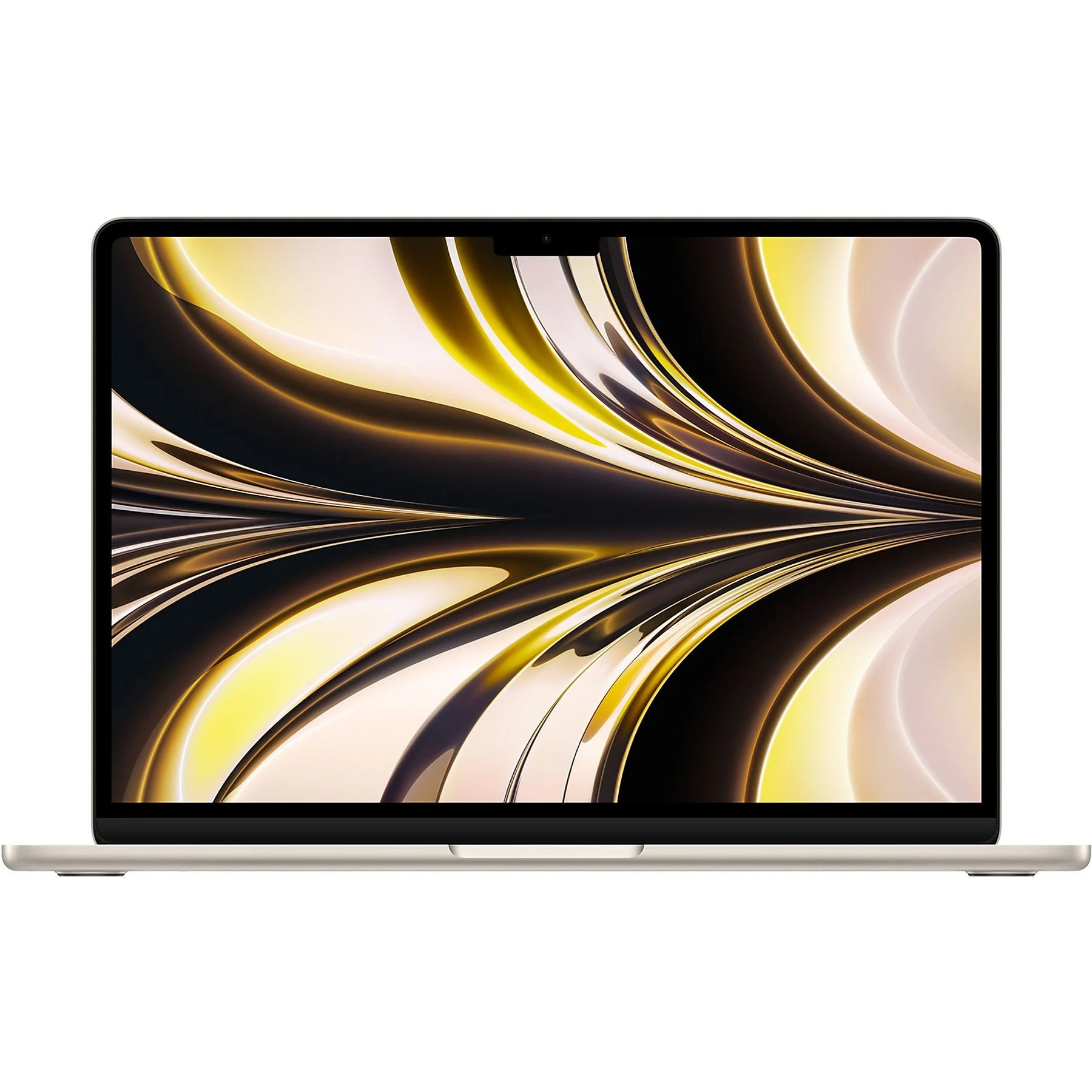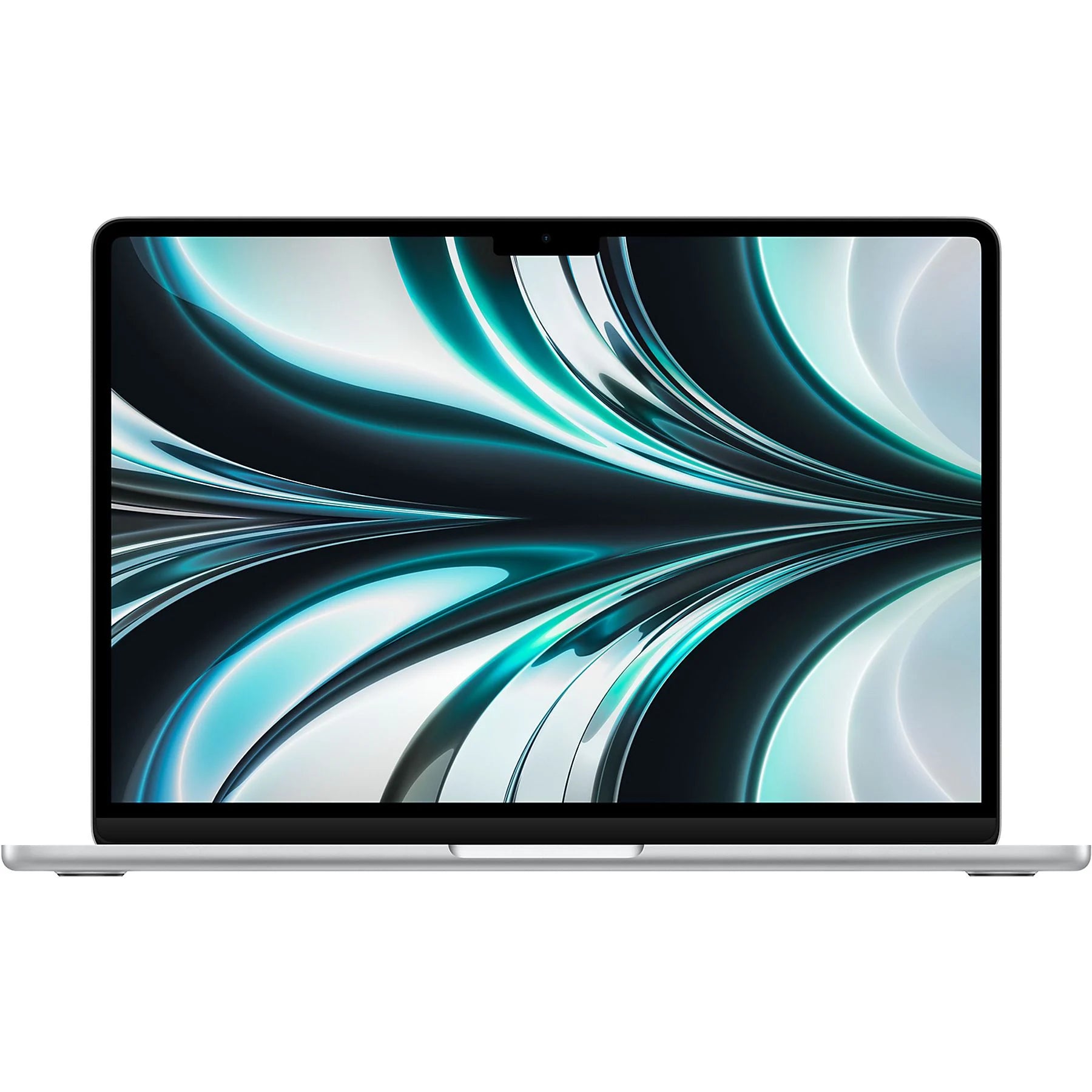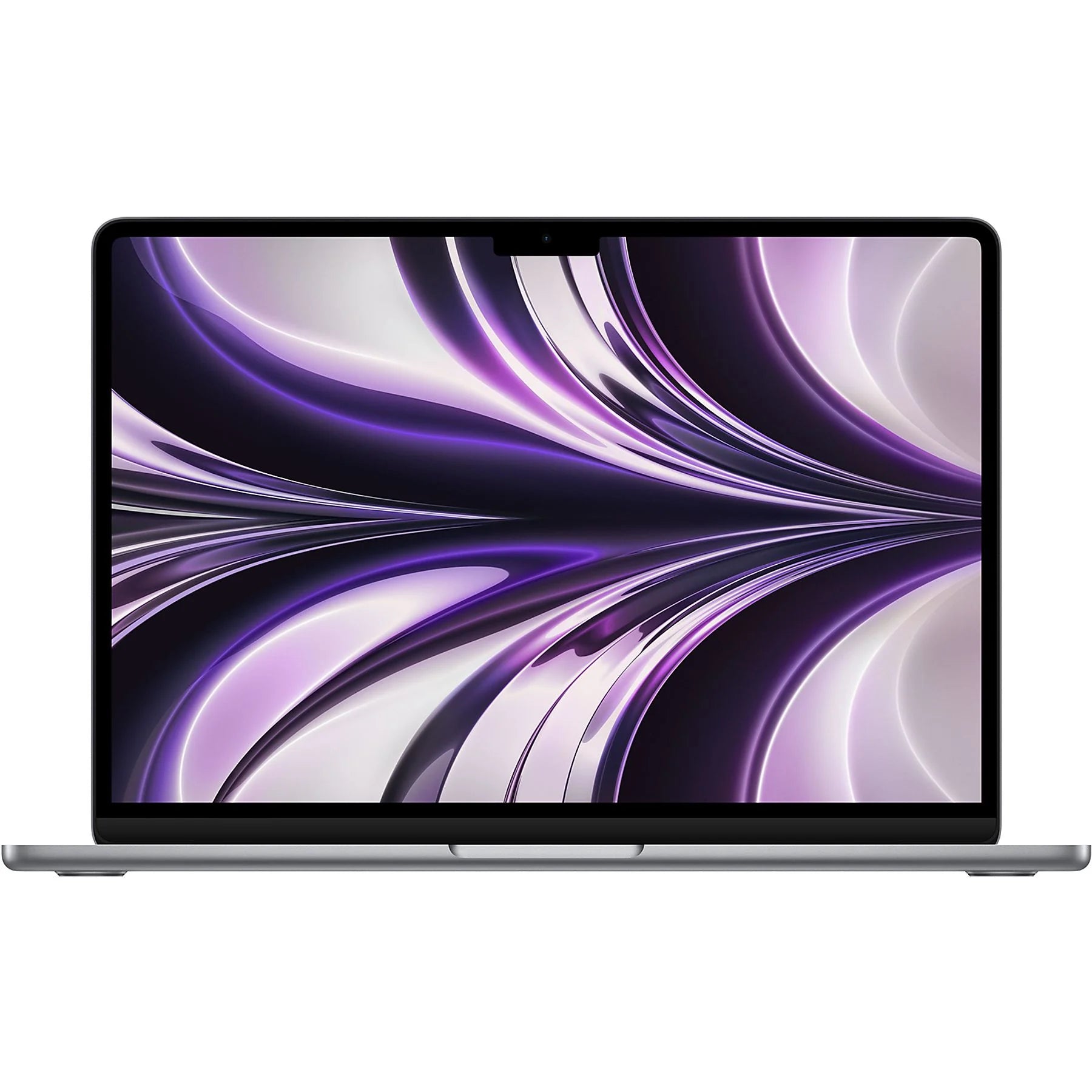

Another new MacBook: investment or overkill?
Another new MacBook. The M2 chip promises faster performance, longer battery life, and better graphics. The price? It's steep. You'll wonder if this investment is really necessary for your work. Whether you're looking for a new laptop for video editing or just everyday use, the choice feels overwhelming.
But here's what no one tells you: most buyers barely use 30% of their MacBook Pro's capacity . While they're paying full price, those powerful specs are largely unused. So the question isn't whether the M2 is good enough—it's probably too good. With the right accessories, even an older MacBook can last for years. Maybe it's time to rethink that purchase.
Useful links
- View refurbished MacBook Pro models
- Find suitable accessories for your MacBook
- Read more about refurbished laptops
What makes the M2 chip special?
The M2 processor is Apple's second-generation proprietary chip. It builds on the success of the M1, but with some significant improvements. The chip contains 20 billion transistors—about 25% more than its predecessor. This translates to a CPU that runs up to 18% faster and a GPU with 35% better performance.
In practice, this means that editing in programs like Final Cut Pro or Adobe Premiere Pro is noticeably smoother. Exporting a 4K video takes about 20% less time than on the M1. For everyday tasks like browsing, emailing, and word processing, you'll barely notice the difference – both chips are more than capable of handling these tasks.
The M2 supports up to 24 GB of unified memory, while the M1 can handle a maximum of 16 GB. This makes the model attractive for professionals who work with large files or run multiple demanding applications simultaneously.
Who is this laptop suitable for?
The MacBook Pro M2 is primarily aimed at three user groups:
Content creators and video editors
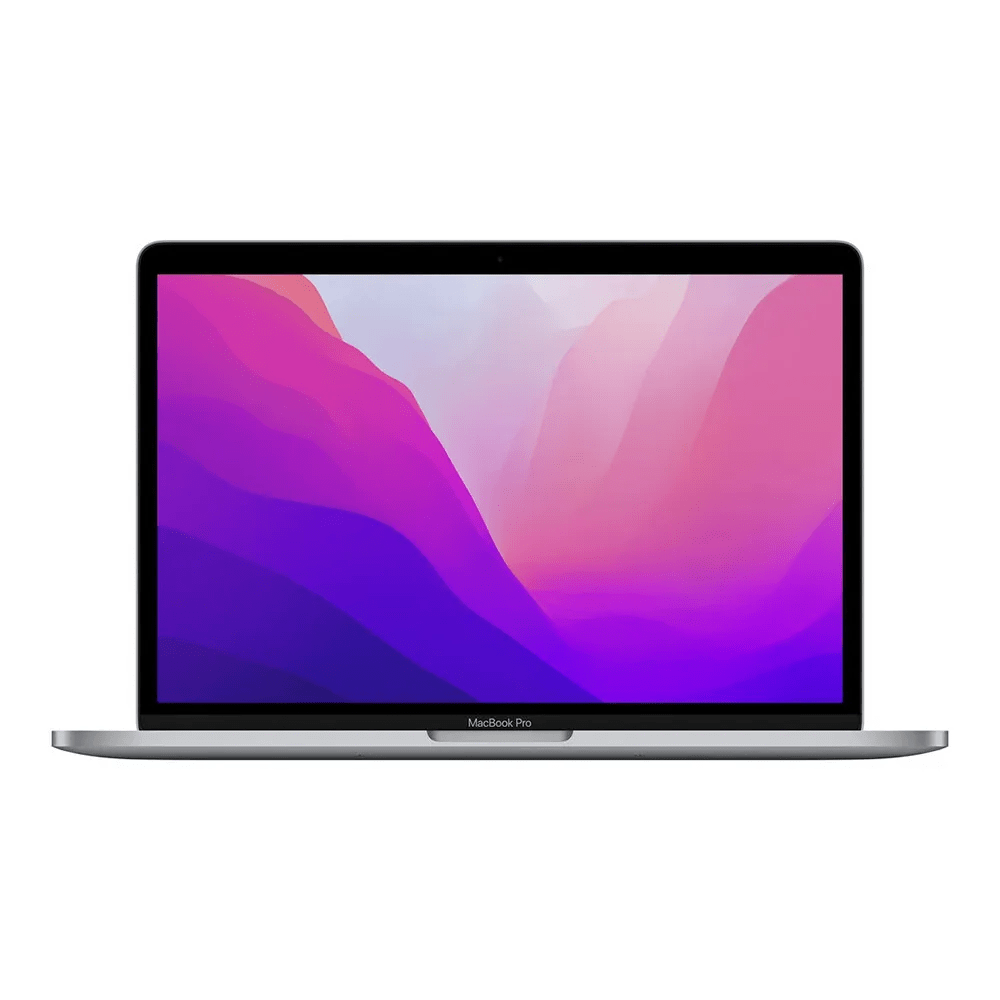
The enhanced GPU performance makes this model ideal for video editing. ProRes files render without lag, and the media engine processes multiple 4K and 8K video streams simultaneously. The 13-inch model features a bright display with 500 nits brightness and a P3 color gamut.
Developers and programmers
Xcode runs smoothly, even with large projects. The fast SSD (up to 6.5 GB/s read speed) ensures short compile times. Docker containers and virtual machines run without noticeable slowdown thanks to the unified memory architecture.
Business users with heavy workloads
For spreadsheets with thousands of lines, presentations with many graphics, or running multiple browsers with dozens of tabs, the system remains responsive. The battery lasts approximately 17 hours with normal use—ideal for long workdays.
Comparison with alternatives
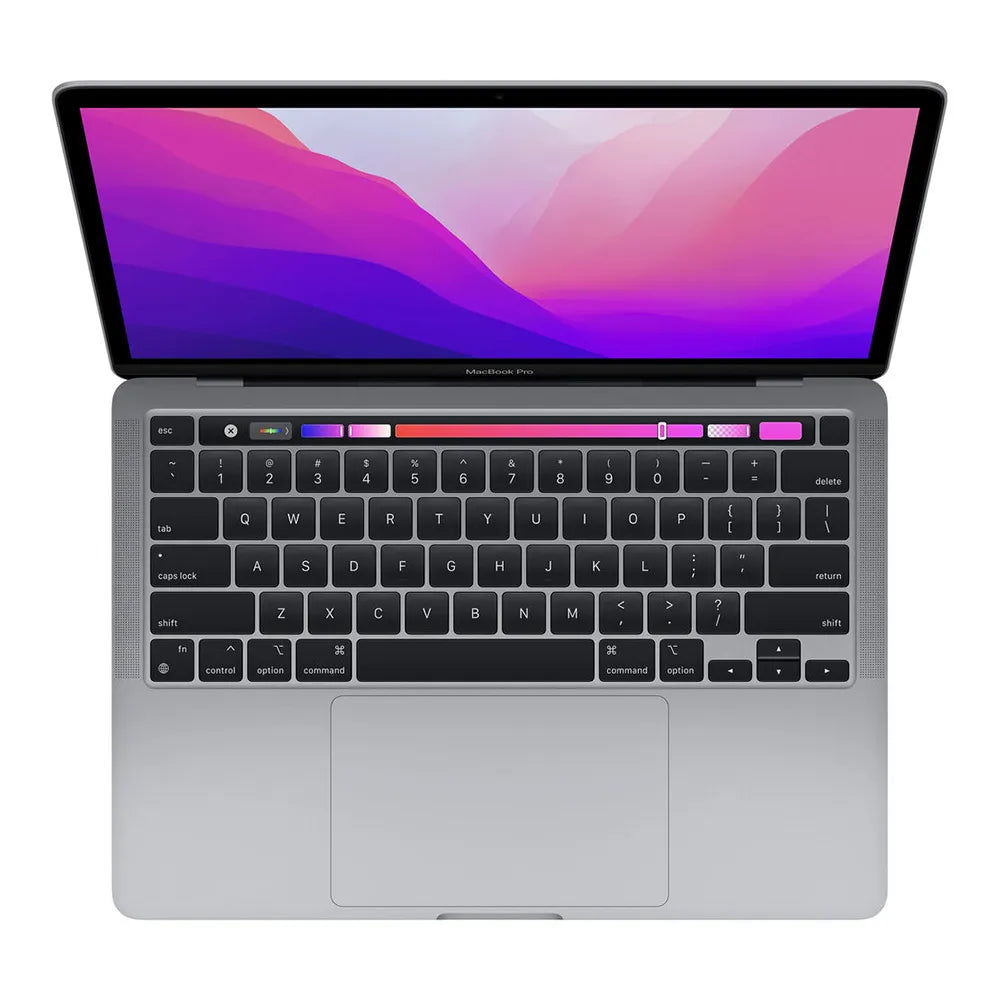
Compared to the MacBook Air M2, you'll pay about €400 more for the Pro version. What do you get in return? An active cooling system that can handle long-term heavy workloads without thermal throttling, a slightly brighter screen, and the Touch Bar (although not all users consider this an added value).
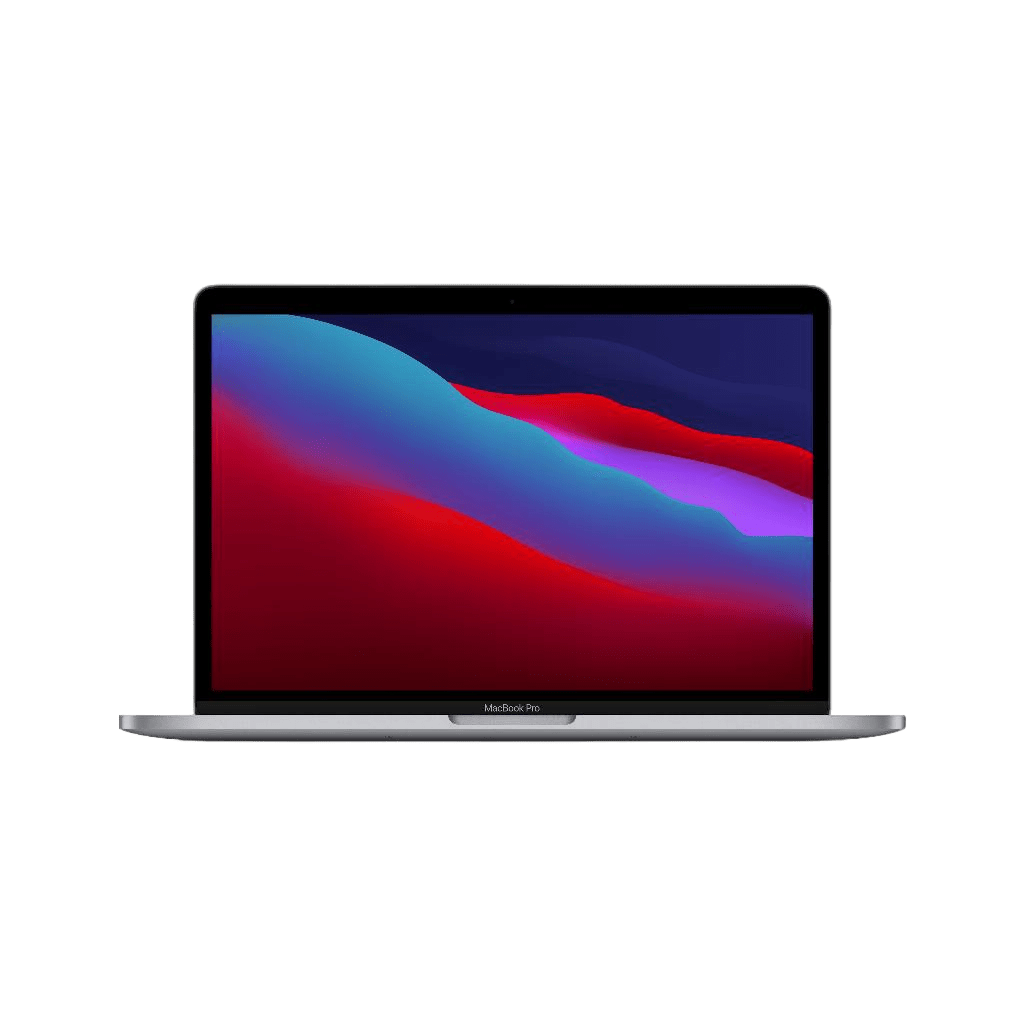
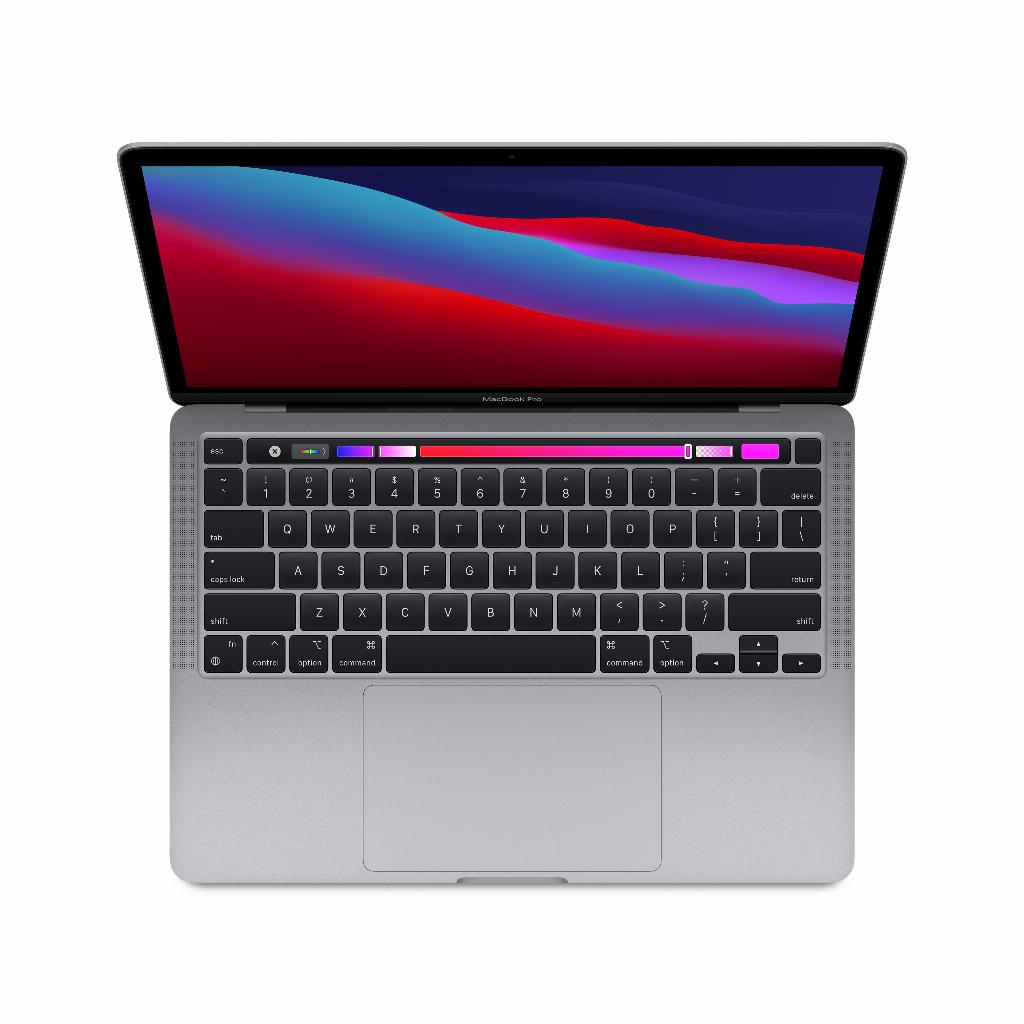
The older MacBook Pro M1 remains a solid choice. For most users, the performance difference is too small to justify the additional cost of around €300-500. A refurbished M1 model can be a good compromise.
Windows alternatives like the Dell XPS 13 Plus or Lenovo ThinkPad X1 Carbon offer similar specs for a lower price. But you'll miss out on the seamless integration with other Apple devices and the longer software support that Apple offers.
Practical considerations when purchasing
Memory and storage
Choose at least 16 GB of RAM if you regularly use multiple applications simultaneously. For storage, 256 GB is a bit limited for most users. 512 GB is a safer bet, especially since upgrading later isn't possible.
Ports and connectivity
The 13-inch model only has two Thunderbolt 4 ports. A USB hub or dock is practically essential for most users. Budget an additional €50-150 for this, depending on your needs.
Consider AppleCare+
Out-of-warranty repairs are expensive—a screen replacement can easily cost €600. AppleCare+ (about €280 for three years) can pay for itself in a single incident.
When to wait for the next generation?
Apple typically updates its MacBook line annually. If your current laptop still has a few months left, waiting for the M3 version might be worthwhile. Rumors point to a 15% performance boost and possibly better battery life.
On the other hand, the M2 is a proven platform without any teething problems. Early adopters of new chips sometimes encounter compatibility issues with specific software.
Tips for the best deal
The new price rarely fluctuates, but there are alternatives:
- Education pricing gives approximately 10% discount for students and teachers
- Refurbished models from Apple itself save 15-20%
- Certified refurbished laptops from specialist suppliers such as leapp.nl combine lower prices with a warranty
- Black Friday and Back to School periods sometimes provide bundles with free accessories
Pay attention to the trade-in value of your current laptop. Apple and various retailers offer trade-in programs that make switching cheaper.
Conclusion: make a rational choice
The MacBook Pro M2 is objectively an excellent laptop. Its performance is impressive, the build quality is high, and the battery life is exceptional. But the question remains: do you really need this much power?
For intensive creative work or programming, the device justifies its price. For standard office work or study, a MacBook Air M2 or even an older M1 model is probably a more sensible choice.
Consider your actual usage over the next three to five years. Don't buy based on theoretical capabilities, but rather on your specific needs. A refurbished model from the previous generation often offers the best value for most users.
The right choice for your situation
The MacBook Pro M2 is undoubtedly a technical marvel, but don't be tempted by specs you won't use. For video editing and development, this laptop will pay for itself. For most users, a MacBook Air M2 or a refurbished M1 model will suffice – saving hundreds of euros without any noticeable loss of quality.
Take an honest look at what you'll actually be doing with your laptop in the coming years. That self-awareness will give you more than the latest processor can ever offer.